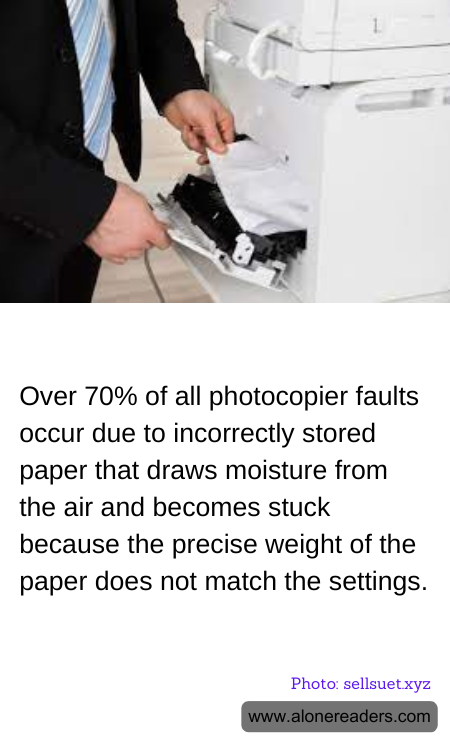
Photocopiers are indispensable tools in offices, schools, and various other settings, facilitating the seamless duplication of documents. However, these machines are not immune to malfunctions, and a significant portion of these issues can be traced back to a surprisingly simple culprit: paper. Over 70% of all photocopier faults are attributed to improperly stored paper that absorbs moisture from the air, leading to jams and other operational hiccups.
The root of the problem lies in the paper's interaction with its environment. Paper is hygroscopic, meaning it readily absorbs moisture from the air. When paper is not stored correctly, it can draw in excess moisture, causing it to swell and lose its original shape. This change in the paper's physical properties can lead to it sticking together or becoming too thick to pass smoothly through the copier's intricate mechanisms. As a result, jams occur, disrupting workflow and often necessitating costly repairs or maintenance.
Another critical factor contributing to photocopier faults is the mismatch between the paper's weight and the copier's settings. Photocopiers are designed to handle specific paper weights, and when the paper's weight deviates from these settings, it can lead to feeding issues. Moisture-laden paper tends to weigh more, and if the copier is not adjusted to accommodate this change, it can result in misfeeds or jams. This not only affects the efficiency of the machine but also leads to frustration among users who rely on the copier for timely document reproduction.
To mitigate these issues, proper paper storage is essential. Paper should be kept in a cool, dry place, ideally in its original packaging until it is ready to be used. This packaging is designed to protect the paper from environmental factors that can alter its condition. Additionally, ensuring that the copier settings are adjusted to match the paper's weight can prevent many common problems. Regular maintenance and calibration of the copier can also help in identifying and resolving potential issues before they lead to significant downtime.
Educating users about the importance of correct paper storage and copier settings can significantly reduce the incidence of faults. By taking simple preventive measures, organizations can enhance the longevity and reliability of their photocopiers, ensuring that these essential machines continue to operate smoothly. In doing so, they not only save on repair costs but also maintain productivity and efficiency in their daily operations.
